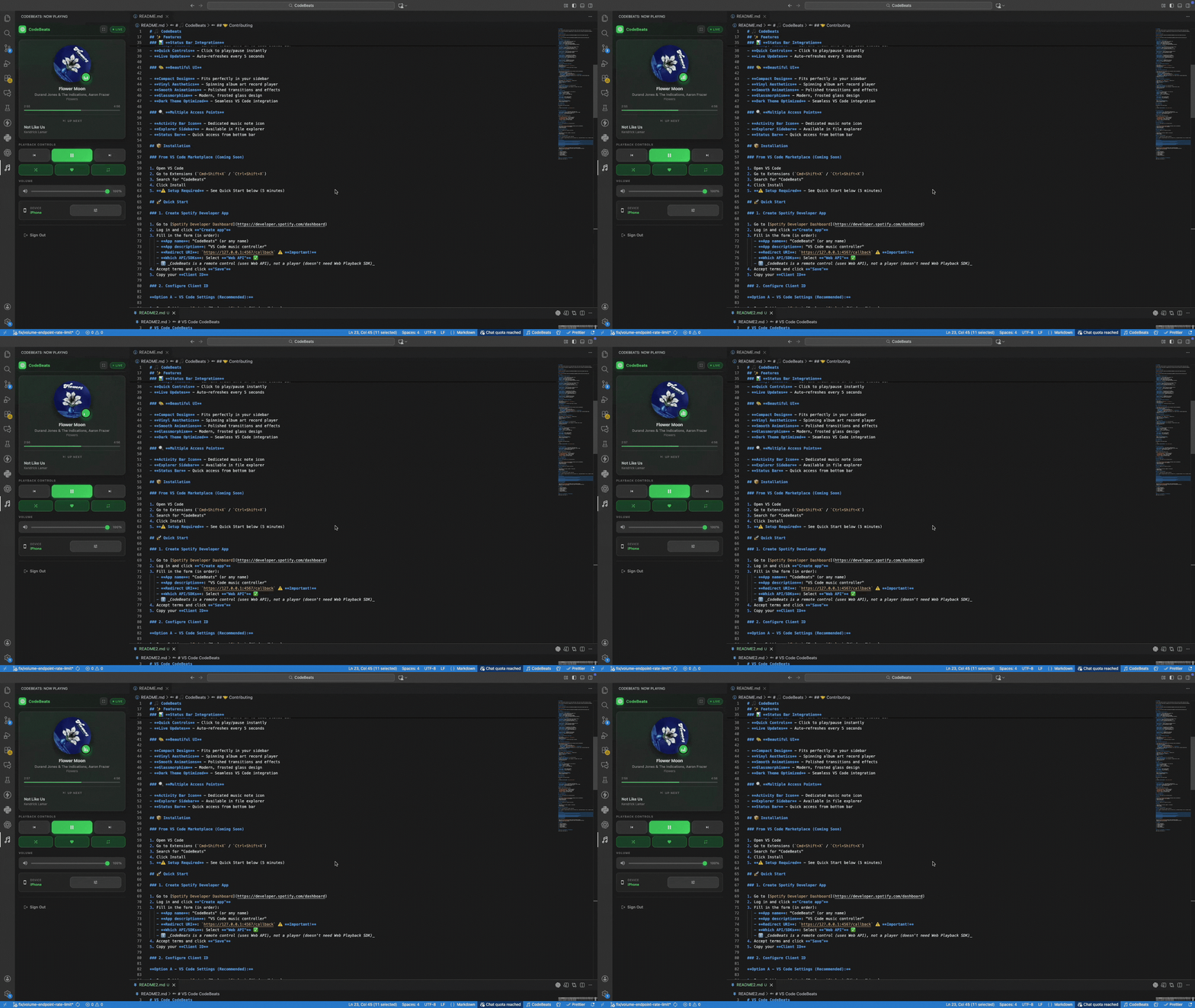
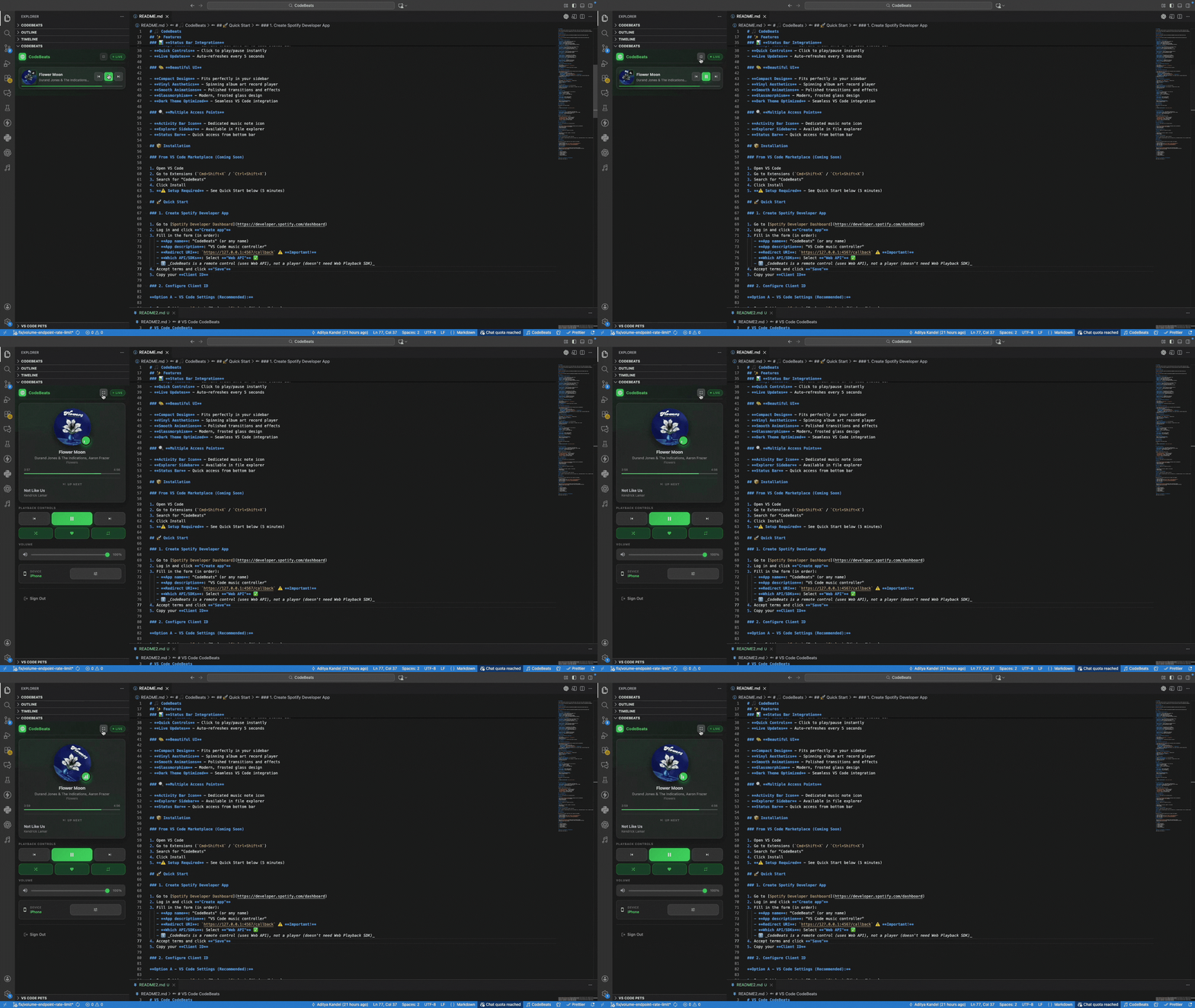
A sleek, modern Spotify controller for Visual Studio Code. Play, pause, skip tracks, adjust volume, like songs, and see what's playing - all without leaving your editor. Keep coding, keep vibing~
Everything you need to control your music while coding
Play, pause, skip tracks, and control your music with intuitive buttons. All accessible from your VS Code sidebar.
Toggle shuffle mode and cycle through repeat modes (off, track, context) with a single click.
Adjust volume with a smooth slider, mute/unmute instantly, and see visual feedback for your volume level.
Save tracks to your Liked Songs with animated heart feedback. Never lose track of your favorite tunes.
Switch between all your available Spotify devices instantly. Control any device from VS Code.
Two layout modes: full view and compact view. Glassmorphism styling with smooth animations and Spotify-green accents.
Full View
Compact View
Get CodeBeats in just a few clicks
Search for "CodeBeats" in the extension panel (Ctrl+Shift+X or Cmd+Shift+X)
Use VS Code Quick Open (Ctrl+P or Cmd+P)
and paste: ext install aker.codebeats
Get started in 3 simple steps
https://127.0.0.1:4567/callback ⚠️ Important!spotify or codebeats